VoiceMap Audio Tours: Complete Guide, Tips & What to Expect

DOWNLOADED VOICEMAP BUT NOT SURE WHERE TO START?
I’ve taken dozens of VoiceMap tours across Europe, the Balkans, and beyond.
And honestly? Once you figure out how VoiceMap works, it’s a game-changer for exploring cities. No more awkward group tours. No more getting lost with a paper map. No more missing the stories behind what you’re looking at.
But without a real-life human in front of you, you might be skeptical that the interface will be confusing. GPS-triggered? Location-based audio? What does any of that mean?
This guide breaks down everything you need to know about VoiceMap – from downloading your first tour to pro tips that’ll make you look like a seasoned audio tour veteran.
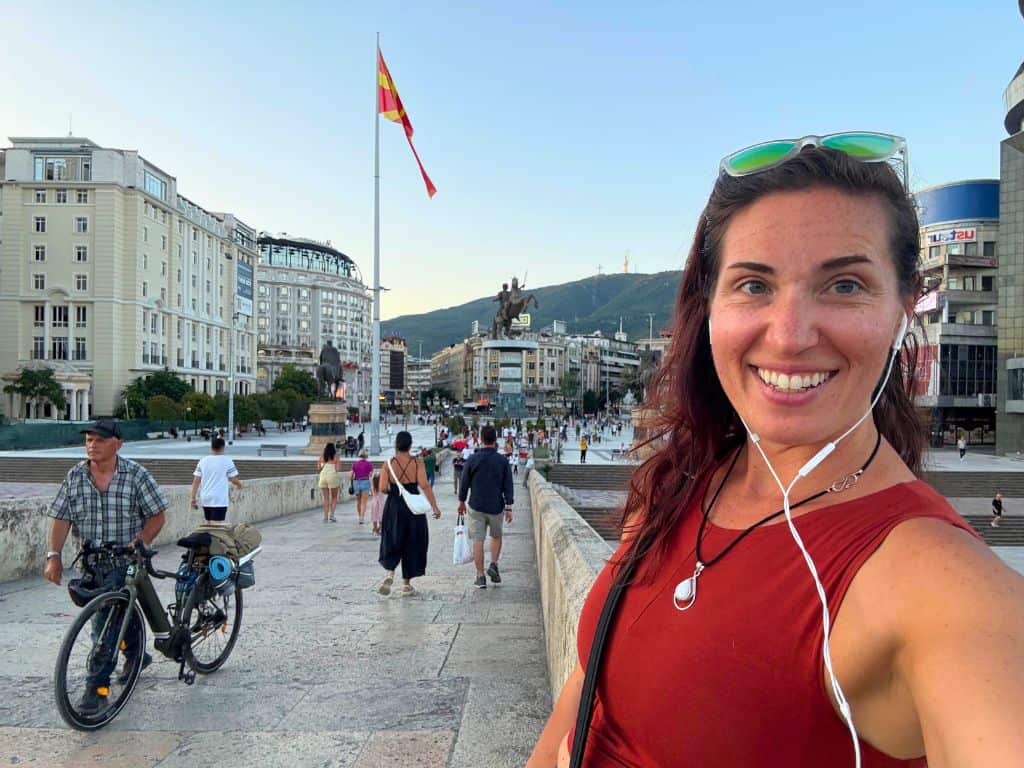
What Is VoiceMap? (The Basics)
Let’s start from the top.
VoiceMap is a GPS-guided audio tour app that lets you explore cities at your own pace – with a virtual tour guide in your pocket.
Think of it as the Netflix of walking tours: you pick what you want, download it, and hit play whenever you’re ready.
GPS-Triggered Audio Tours 📍
Here’s what makes VoiceMap different from just listening to a podcast while walking.
The app uses GPS to track your exact location. When you reach a specific landmark or point of interest, the audio automatically plays. You don’t have to press anything or figure out which audio file to play next.
(Note: Every now and then, when the locations are close together, you’ll be instructed to pull out your phone briefly and manually press “play” to trigger the next audio.)
It’s like having a tour guide who magically knows exactly where you are and what you’re looking at – without the awkwardness of having to keep up with a group.
Self-Guided = Total Control ⏯️
VoiceMap tours are self-guided, which means:
- ⏰ You start whenever you want
- ⏸️ You pause whenever you want
- 🚶♀️ You walk at your own pace
- 📸 You stop for photos without anyone glaring at you

Wondering if audio tours are better than traditional walking tours?
Full breakdown on pros and cons of each….COMING SOON!
Works Completely Offline 🔌
Once you download a VoiceMap tour, it works 100% offline.
No WiFi. No data. No roaming charges. This is clutch when you’re traveling internationally and don’t have unlimited data.
The GPS still works (it doesn’t need internet), and all the audio is stored on your phone.
How to Download & Use VoiceMap (Step-by-Step)
Never used VoiceMap before? No stress.
Here’s exactly how to download, set up, and start your first tour.
Step 1: Download the VoiceMap App 📱
For iPhone:
- Open the App Store
- Search “VoiceMap”
- Download the app (it’s free)
For Android:
- Open Google Play
- Search “VoiceMap”
- Download the app (it’s free)
The app itself is free. You only pay for individual tours (usually $5-15 each).
Step 2: Browse & Purchase a Tour 🗺️
Open the app and browse tours by:
- 🌍 City (search “Sofia,” “Paris,” “New York,” etc.)
- 🏛️ Category (History, Food, Art, etc.)
- ⭐ Ratings (see what other travelers loved)
Pro tip: Read the tour description carefully. It’ll tell you:
- ⏱️ How long the tour takes
- 📏 How far you’ll walk
- 🏛️ What you’ll see
- 👕 Dress code (if you’re entering religious sites)
Once you find a tour you like, hit “Buy” and complete the purchase. The tour is now yours FOREVER– you can redo it on future trips.
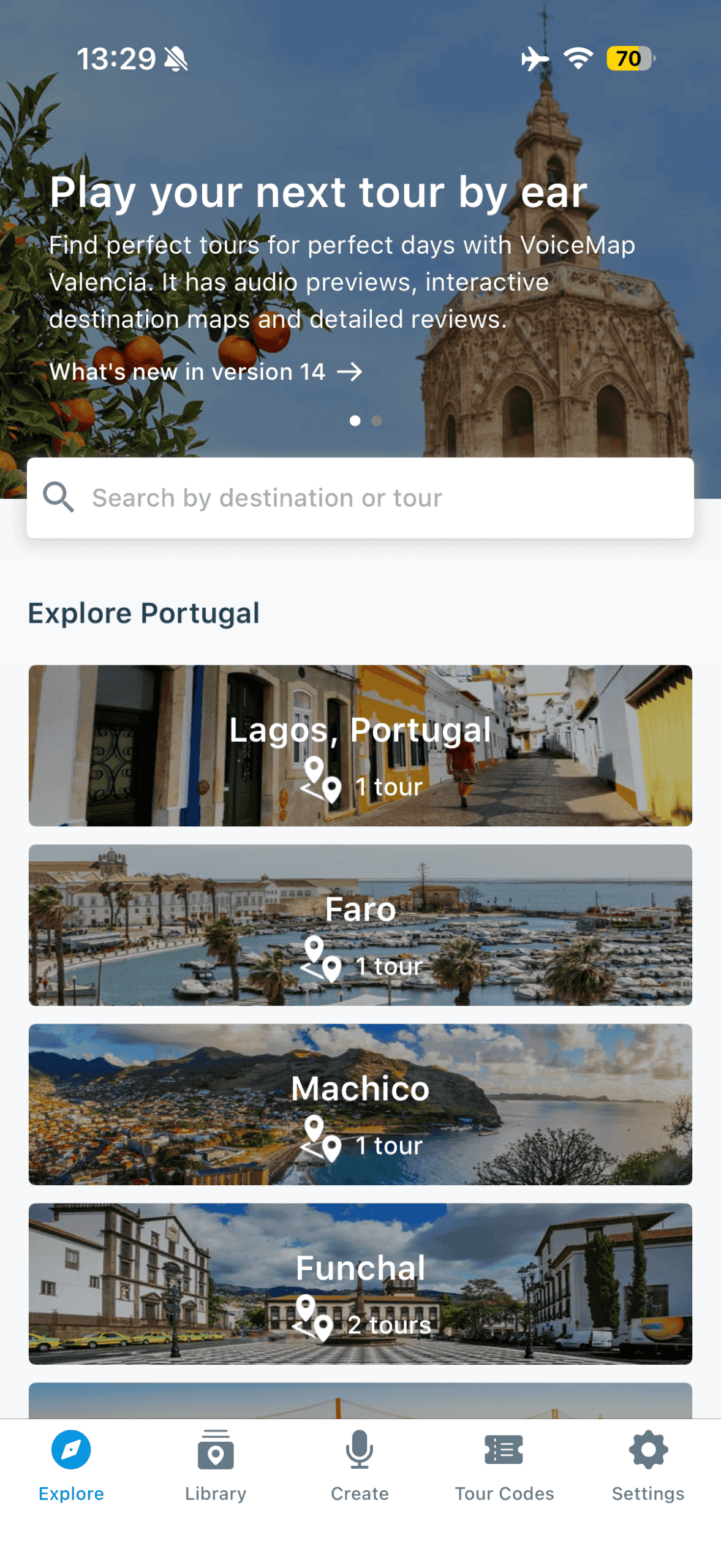
WANT MY TOURS?
I’ve created comprehensive VoiceMap tours in Sofia, Antalya, Chicago, and Sarajevo. Check them out here.
Step 3: Download the Tour for Offline Use 💾
This is critical and easy to forget.
After purchasing, you’ll see a “Download” button on the tour page. TAP IT.
This downloads all the audio files to your phone so the tour works offline. If you skip this step, the tour won’t work without WiFi or data.
When to download:
- ✅ Before leaving your hotel (on WiFi)
- ✅ At a cafe with strong WiFi
- ❌ NOT right before starting the tour on the street
Downloading can take 1-3 minutes depending on the tour length.
Note: If the download takes longer than a few minutes, just cancel the download, go to Account, select Purchased and download the tour from there.
Step 4: Head to the Starting Point 📍
Every VoiceMap tour has a designated starting point (usually a landmark, metro station, or plaza).
The app will show you:
- 🗺️ A map with the start location marked
- 🚶♀️ Directions to get there
Use Google Maps if you need help navigating to the start. Once you arrive, you’ll see the “Start Tour” button in the app.

Step 5: Put On Headphones & Hit Start 🎧
Pop in your headphones (or earbuds) and hit “Start Tour”.
The app will:
- 🔊 Play an intro explaining how the tour works
- ➡️ Show you which direction to walk (there’s an arrow on the map)
- 📍 Track your location as you move
Just listen to the auditory directions and follow along. That’s it!!
There IS a map you can look at as well, but the audio directions should be comprehensive enough.
Step 6: Let GPS Do the Work 🗺️
As you walk, the app automatically triggers audio at each stop.
You’ll hear:
- 🏛️ Commentary about the landmark you’re at
- 📖 Historical stories and context
- 🍴 Local tips (where to eat, what to try)
- ➡️ Directions to the next stop
If you wander off-route, the app will gently redirect you. It’s almost impossible to get lost.
Step 7: Pause, Rewind, or Skip ⏯️
You have full control over the audio.
Want to:
- ⏸️ Pause for a few more photos? Go for it.
- ⏹️ Stop for a coffee or lunch break? Do it!
- ⏪ Rewind because you missed something? Easy.
- ⏩ Skip a section you’re not interested in? No problem.
Note: If you click the “end the tour” icon (ie: squiggly line connecting a dot and an X), do NOT stress. “Ending” the tour doesn’t mean it’s gone forever!
The tour will pick up right where you left off – even if you close the app and come back the next day. Just walk back to the location, open the app, and hit “play.”
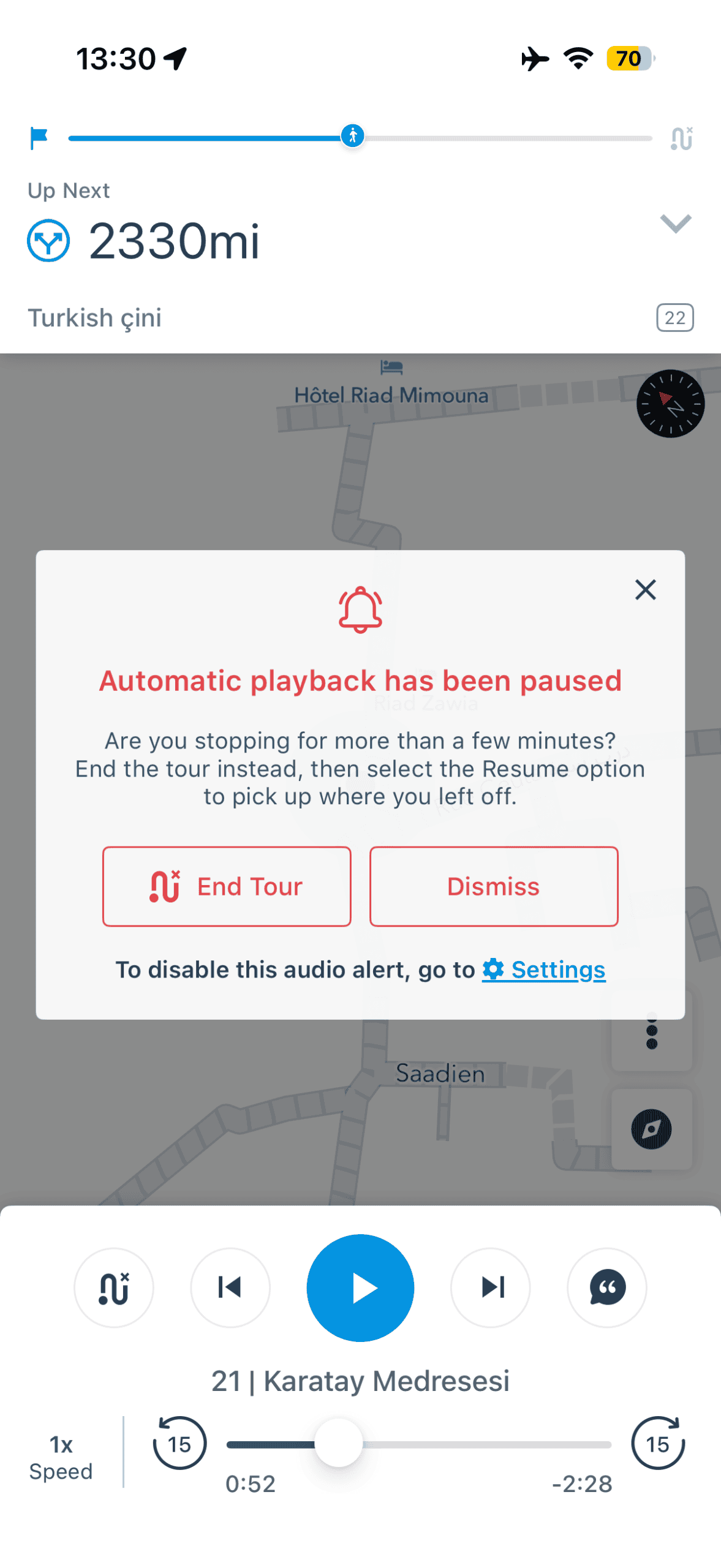
Step 8: Personalize ⏯️
Besides clicking “play” and listening, you can:
- 🌍 Follow the map on the screen if you’re anxious about getting lost (though the audio should properly cue where to go)
- 📚Read along with the written script (click the “quotation mark” to reveal the text)
- 🎙️Adjust the speed of the audio (in case you walk faster)
Personalizing your experience is one of the best parts of audio walking tours!
VoiceMap Features That Make It Worth It
Okay, so VoiceMap works. Great.
But what makes it better than just Googling your way through a city or following a free walking tour?
Here are the features that actually matter.
GPS Triggers Audio Automatically 📍
You don’t have to press buttons or figure out what to listen to next.
The app knows where you are and plays the right audio at the right time. This makes the experience seamless – you’re just walking and listening, not fumbling with your phone.
Works 100% Offline 🔌
This is HUGE for international travel.
Once downloaded, VoiceMap tours work with zero internet connection. No data. No WiFi. No roaming charges.
The GPS uses your phone’s location services (which don’t require internet), and all audio is stored locally.
Pro tip: Put your phone in airplane mode to save battery, but keep location services ON.
You Own the Tour Forever ♾️
When you buy a VoiceMap tour, it’s yours to keep.
You can:
- ✅ Redo the tour on future trips
- ✅ Share it with friends (technically)
- ✅ Take your time (no expiration date)
Compare that to traditional walking tours where you pay $20-60 per person every time.
Pause & Resume Anytime ⏸️
Life happens.
Maybe your feet hurt. Maybe you found a cute cafe. Maybe you just need a bathroom.
With VoiceMap, you can pause mid-tour and pick up exactly where you left off – even days later. The app saves your progress automatically.

Rewind & Replay Sections 🔄
Missed a detail? Zoned out for a second?
Just hit rewind and listen again. You can replay entire sections or skip back 10 seconds at a time.
Traditional tours? You get one shot. Miss it, and it’s gone.
See Your Route on a Map 🗺️
The app shows:
- 📍 Your current location
- ➡️ Where to walk next
- 🏛️ All stops on the route
- 📏 How far you’ve walked
This gives you context about the tour length and helps you plan coffee breaks or detours.

Pro Tips for Using VoiceMap Like a Boss
Want to level up your VoiceMap game?
Here are the insider tips I’ve learned from taking dozens of VoiceMap tours.
Download Multiple Tours Before You Travel 📥
If you’re hitting multiple cities, download all your tours before you leave home.
Why?
- 🏨 Hotel WiFi is often garbage
- ☕ Cafe WiFi can be slow
- 📶 Public WiFi is unreliable
- 💰 International data is expensive
Download everything on solid WiFi, and you’re set for your entire trip.
Did you know VoiceMap has some “tour bundles?”
Look for offers if you want to do multiple tours (even in the same city – like these bundles in Paris!)
Charge Your Phone to 100% Before Starting 🔋
GPS drains battery faster than normal phone use.
Before starting a VoiceMap tour:
- ✅ Charge to 100%
- ✅ Bring a portable charger (just in case)
- ✅ Put phone in airplane mode (with location ON)
- ✅ Close other apps running in the background
The last thing you want is your phone dying halfway through a tour.
How long does a full battery last? Usually 3-4 hours of GPS use – enough for most tours. But bring a backup charger to be safe.
Use One Earbud (Stay Aware) 👂
I usually keep one earbud in, one out.
This lets me:
- 🔊 Hear the tour clearly
- 🚗 Stay aware of traffic and people
- 📣 Hear if someone’s trying to get my attention
Safety first, especially in busy cities.
Start Tours Early or Late (Avoid Crowds) 🌅
Most tourists start sightseeing between 10am-2pm.
If you start your VoiceMap tour at 8am or 4pm, you’ll:
- ✅ Beat the crowds
- ✅ Get better photos (fewer people in the background)
- ✅ Enjoy cooler temperatures (if it’s summer)
Golden hour photos at 5pm? Chef’s kiss.
Read the Tour Description First 📖
Don’t skip this.
The description tells you:
- ⏱️ Tour length (60 min? 120 min?)
- 📏 Distance (5 km? 8 km?)
- 🏛️ What you’ll see
- 👕 Dress code (important for religious sites)
Knowing the tour is 8 km and includes a steep hill is useful info before you start in sandals.
Test the Audio Before You Start 🔊
Before leaving your hotel, play a few seconds of the tour to make sure:
- ✅ Audio is downloaded correctly
- ✅ Your headphones work
- ✅ Volume is at a good level
Nothing worse than arriving at the start point and realizing the audio didn’t download.
Give Yourself Extra Time ⏳
If a tour says “90 minutes,” plan for 2-2.5 hours.
You’ll want time to:
- 📸 Take photos
- ☕ Grab coffee or snacks
- 🏛️ Go inside museums or churches
- 🚶♀️ Get slightly lost (it happens)
Rushing through ruins because you underestimated the time? Not fun.
Bring Water & Snacks 💧
VoiceMap tours don’t have scheduled breaks, so you’re in charge.
Bring:
- 💧 A refillable water bottle
- 🍫 Small snacks (granola bar, fruit)
- ☕ Or plan to stop at cafes along the route
Low blood sugar + exhaustion = tour ruined.
Screenshot the Start Location 📍
Before you leave your hotel, screenshot the map showing the tour’s starting point.
Why? If you lose WiFi or data, you can still navigate to the start using the screenshot and your offline maps app.
Common VoiceMap Questions (Answered)
How much do VoiceMap tours cost?
Most VoiceMap tours cost $5-15 for a one-time purchase. You own it forever and can redo it on future trips.
Premium tours (longer, more detailed) might be $15-20. Still way cheaper than traditional walking tours ($20-60+ per person).
Do I need WiFi or data during the tour?
Nope! Once you download the tour, it works 100% offline. The GPS tracks your location without internet, and all audio is stored on your phone.
Just make sure to download the tour on WiFi before you start.
Can I share VoiceMap tours with friends?
Technically, each purchase is for one device. But if you’re traveling with someone, you can:
- 🎧 Share earbuds (one bud each)
- 📱 Play the audio on speakerphone (if you’re in a quiet area)
- 🔊 Use a portable Bluetooth speaker
Just don’t blast it in crowded tourist spots – no one wants to hear your tour.
What if I get lost during a VoiceMap tour?
The app shows your location on a map and gives you real-time directions to the next stop.
If you wander off-route:
- 🗺️ The app will show you where you are
- ➡️ It’ll redirect you back to the path
- 🔄 The tour resumes once you’re back on track
Honestly, it’s almost impossible to get lost with VoiceMap.
Can I take VoiceMap tours with kids?
Absolutely! The flexibility is perfect for families:
- ⏸️ Pause for snacks, bathroom breaks, or meltdowns
- 🚶♀️ Go at your kid’s pace
- 📸 Stop whenever they want to look at something
That said, most tours are 5-8 km of walking, so they’re best for kids who can handle longer distances. Younger kids (under 8) might get bored; older kids (10+) usually love the stories.
Does VoiceMap work in all cities?
VoiceMap has tours in 600+ destinations worldwide, including:
- 🇪🇺 Europe (Paris, Rome, Barcelona, Prague, etc.)
- 🇺🇸 USA (New York, San Francisco, Chicago, etc.)
- 🇿🇦 South Africa (Cape Town, Johannesburg, etc.)
- 🇦🇺 Australia (Sydney, Melbourne, etc.)
- And more….including the Balkans (Bulgaria, Bosnia & Herzegovina, & Türkiye)
Browse the app to see if your destination has tours. They release NEW TOURS every week!
Can I create my own VoiceMap tour?
Yes! VoiceMap lets creators build and publish their own tours.
I’ve created VoiceMap tours for Sofia, Antalya, Chicago, and Sarajevo using their platform. Check them out HERE.
Want to create your own tour?
I’ll be publishing a complete guide to creating VoiceMap tours soon – Suubscribe to my newsletter to get notified!
How accurate is the GPS?
VoiceMap’s GPS is very accurate—usually within 5-10 meters.
That said, GPS can struggle in:
- 🏢 Dense urban areas (tall buildings block signals)
- 🌲 Forested areas
- 🏛️ Indoor spaces (obviously)
If the GPS glitches, just wait a few seconds for it to recalibrate. It usually fixes itself quickly.
Is VoiceMap better than free walking tours?
Depends what you value.
VoiceMap pros:
- ✅ Start whenever you want (no fixed schedule)
- ✅ Go at your own pace
- ✅ No tipping (one-time purchase)
- ✅ Pause and resume anytime
Free walking tour pros:
- ✅ Live guide (can ask questions)
- ✅ Social (meet other travelers)
- ✅ Free upfront (tips expected at the end)
Each option offers a different experience. You get to choose which one you want for your destination.


Why VoiceMap Is Perfect for Active Travelers
If you’re reading this blog, you probably don’t love sitting still.
You want to move, explore, and actually experience places – not just stare at them from a tour bus.
That’s why VoiceMap is perfect for active travelers like us.
You’re Walking (Not Sitting) 🚶♀️
Most VoiceMap tours involve 3-7 km (2-4 miles) of walking.
That’s:
- ✅ 10,000+ steps (crush your daily goal)
- ✅ Active sightseeing (no tour bus lethargy)
- ✅ Calorie-burning exploration
You’re seeing the city AND getting your workout in. Win-win.

Want more ways to stay active while traveling?
Check out my other posts on how to stay fit while traveling
You Control the Intensity 💪
Want a leisurely stroll? Walk slowly and take breaks.
Want to power through? Speed-walk the route and get it done in half the time.
Unlike group tours, where you’re stuck at the group’s pace, VoiceMap lets you match the tour to your fitness level and energy.
It’s Solo-Traveler Friendly 🎒
If you’re traveling solo, VoiceMap is a game-changer.
You get:
- 🗣️ Guided commentary (without paying for a private tour)
- 🏃♀️ The freedom to move at your own pace
- 📸 No awkward group photos
No forced small talk. No waiting for slow walkers. Just you and the city.
You Burn Calories for Guilt-Free Eating 🍕
Let’s be real: travel food is one of the best parts of exploring new places.
After walking 7 km on a VoiceMap tour, you’re excited for that pizza, pastry, or pint.
Active sightseeing means you can indulge without the guilt. And honestly? That’s the dream.
Final Thoughts on VoiceMap Audio Tours
Here’s the Rundown: VoiceMap changed how I explore cities.
It gives me the structure and storytelling of a guided tour – without the rigid schedule, awkward group dynamics, or pressure to keep up. I can start whenever I want, stop for coffee whenever I want, and actually absorb what I’m seeing.
If you’re the type of traveler who values flexibility, independence, and depth, VoiceMap is worth trying. It’s especially perfect for solo travelers, active travelers, and anyone who hates being told when to wake up.
Ready to try VoiceMap? Download the app, grab one of my audio walking tours, and start exploring cities on your terms.
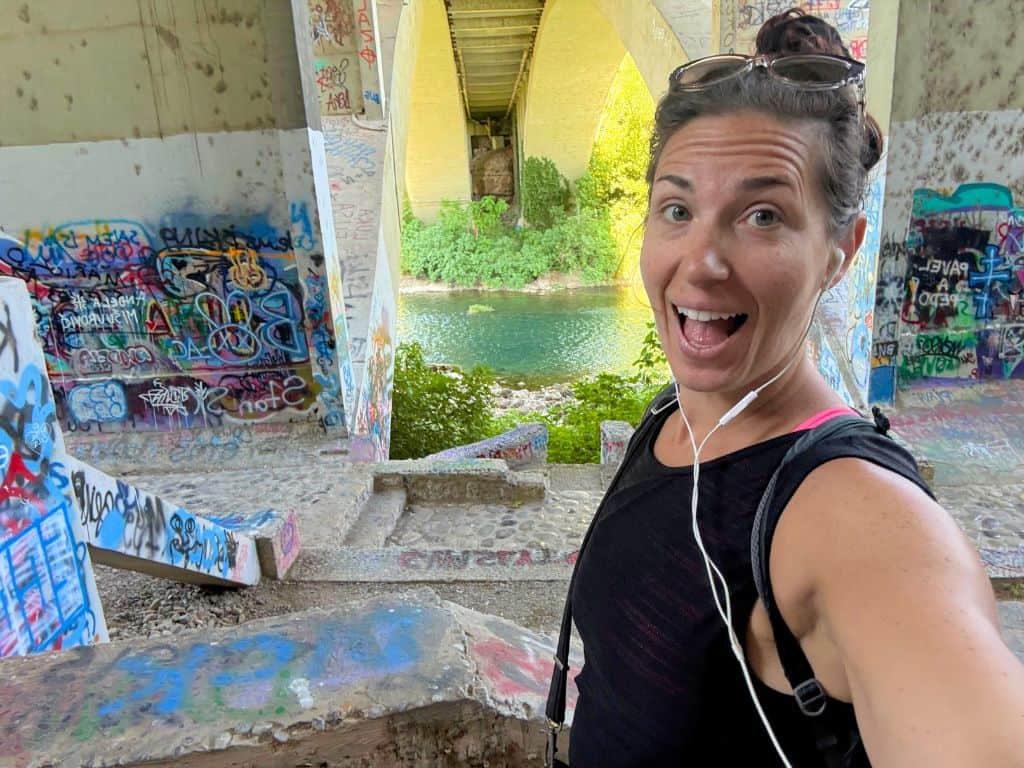
Ready to explore more ways to stay fit and healthy on your travels or plan epic adventures across the globe? Here are some ideas…
✴️My VoiceMap Audio Walking Tours
✴️Sofia Walking Tour: The Ultimate Audio Guide to Bulgaria’s Capital
✴️Travel Fitness: 11 Best Ways to Stay in Shape on Vacation
Follow me on Instagram to follow my travel & fitness journey
